
01 / BKGBookings & bays
Capacity-aware scheduling by bay, hoist and skill, with online booking that only offers slots you can actually service.
Service operations lose margin in the gaps: bays idle while a quote waits for approval, a part was never ordered, a courtesy car goes missing. We close those gaps, and we bring our own computer vision to the front of it.
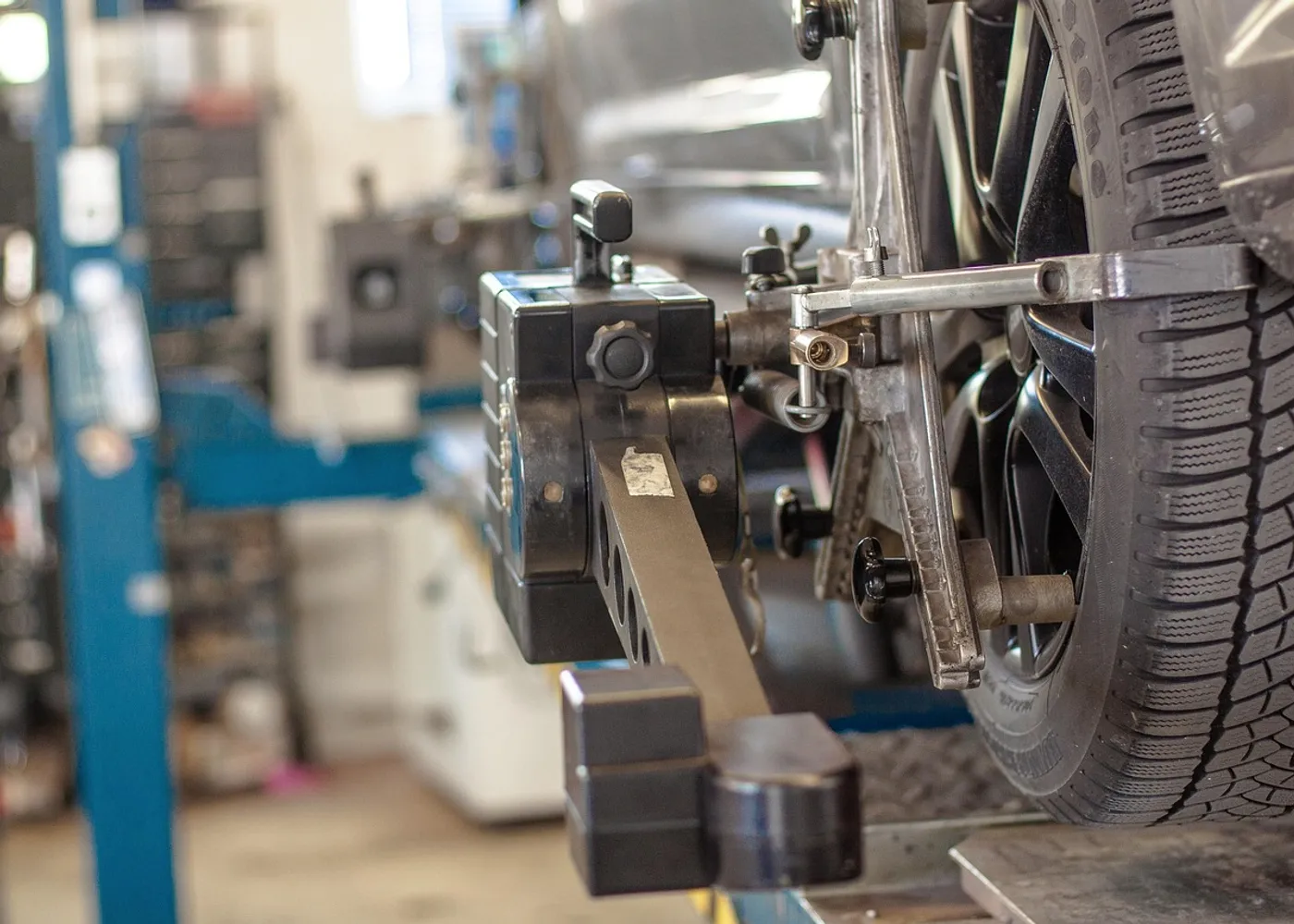
Why they call us
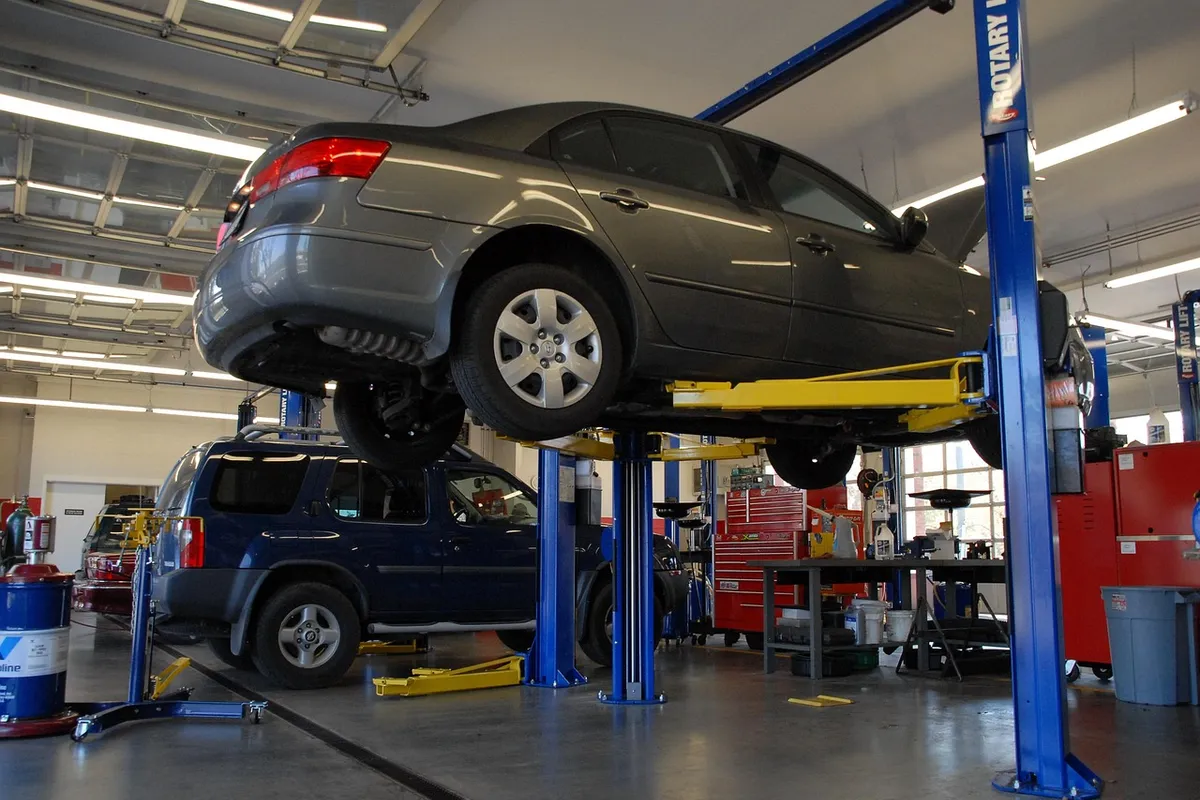
A car holds a hoist waiting for a quote to be approved. Utilisation drops for a reason nobody is measuring.
Damage photographed on a phone, registration typed by hand, and a dispute three days later nobody can settle.
Backorders found on the morning of the booking, and a loan fleet tracked in one person’s diary.
What’s in the platform
Every organisation starts from the same core and diverges within weeks. The modules below are the starting point, not the ceiling.
Select a zone to see what it does
01 / BKGCapacity-aware scheduling by bay, hoist and skill, with online booking that only offers slots you can actually service.
02 / JOBDigital job cards with check-in condition capture, technician notes, photos and video, and a complete history against the vehicle rather than the customer.
03 / QTEAdditional work quoted from the bay, sent for approval by SMS with photo and video evidence, and approved with one tap. The clock on the hoist stops guessing.
04 / PRTStock by location, supplier catalogues and ordering, backorder visibility against upcoming bookings, and parts reserved to a job before the customer arrives.
05 / TECClock on and off by job, flat-rate versus actual comparison, efficiency and productivity by technician, and a fair basis for pay structures.
06 / FLTLoan vehicles, bookings, condition records, fuel, tolls and infringements, with availability visible when the service is booked rather than on the day.
07 / INVInvoice from the job card, split billing across warranty, insurer and customer, deposits, terminals and reconciliation into your accounting system.
08 / SVCNext-service and inspection reminders driven by date, distance and vehicle history, with declined work resurfacing at the right moment.
Customization
Most vendors stay vague about this until you are mid-contract. Here it is up front, so you can price the gap before you commit.
The AI layer
Off-the-shelf systems bolt a chatbot onto a decade-old database. We build the intelligence into the workflow, using the same engineering we ship for enterprise clients on Azure AI.
PlateSense reads the plate on arrival and opens the job card with history attached. Live product, not a roadmap item.
AutoSense records existing damage from check-in imagery, so disputes are settled with evidence rather than recollection.
Flags the bookings likely to miss and the jobs likely to run long, so the day is planned against reality.
Predicts part demand from your booking mix, cutting backorders and dead stock at the same time.
Chases unapproved work with the photo and video attached, and hands to a human the moment the customer asks a question.
"Which bay lost the most hours waiting on approval last month?" Answered from your own records.


Integrations
We integrate rather than replace, so what already works keeps working.
Compliance & data
Immutable job history with photo and video evidence, technician attribution and timestamps. The record you need when a warranty claim or a consumer dispute is raised months later.
Built to support Australian Consumer Law guarantees and manufacturer warranty documentation, and US state repair-authorisation and estimate-approval requirements. Written authorisation is captured before extra work starts.
Customer and vehicle imagery is stored in your tenancy with retention rules and access logging, which matters once you are capturing number plates and premises footage.
How the build runs
We walk the workshop, time the real intake and approval loop, and audit the data in your current system. You get a written scope and fixed price before we build.
Bookings, job cards, parts and invoicing stood up against your real labour rates, service menus and bay layout.
Accounting, payments and supplier links connected, and PlateSense or AutoSense installed at check-in if you are taking the vision modules.
One workshop goes live with us on the floor, advisors and technicians trained, then a two-week hypercare window before the rest follow.
A named engineer, an agreed response SLA, and a quarterly cycle where you decide what gets built next. You own the source code.
Questions
No. The vision modules are optional. The platform runs perfectly well with manual check-in, and PlateSense or AutoSense can be added later without rebuilding anything.
Accuracy depends on camera placement, lighting and angle far more than on the model, which is why we survey the site before quoting. Every read is confirmable by the advisor, so a misread is a two-second correction rather than a wrong job card.
Yes, and that is often the first step. We integrate at the job and invoice level so you can prove the workflow before deciding whether to replace anything.
Yes. Split billing across customer, warranty and insurer is standard, and the specific claim formats a manufacturer or insurer requires are a scoped custom item.
One dataset across sites, with per-site scoping on access and reporting. Load balancing bookings across locations is a custom item because every group prioritises it differently.
Migrated as a defined phase with a reconciliation report. Service history against the vehicle is usually the highest-value data you own, so we treat it as a first-class part of the project rather than an afterthought.
Yes. The most common starting point is digital job cards with quote approvals, because that is where the idle-bay time actually goes.
Thirty minutes, a working demo build, and an honest answer about whether a custom platform is right for you. If off-the-shelf is the better call, we will say so.
You’ll speak with engineers, not account managers.
PanaceaLogics
Typically replies within an hour
Hi there! 👋 How can we help with your project?
Start chat on WhatsApp